Tell Jim once. Pick up the result later.
Send a message or voice note. Jim can file the work, coordinate agents and bring the result back to your conversation.

Illustrative exchange. No messages are sent from this page.
A request, a clear reply and a result to review. Example data · actual dzimplei interface shown in the other views

The longer conversation stays in dzimplei. Example data · actual dzimplei interface

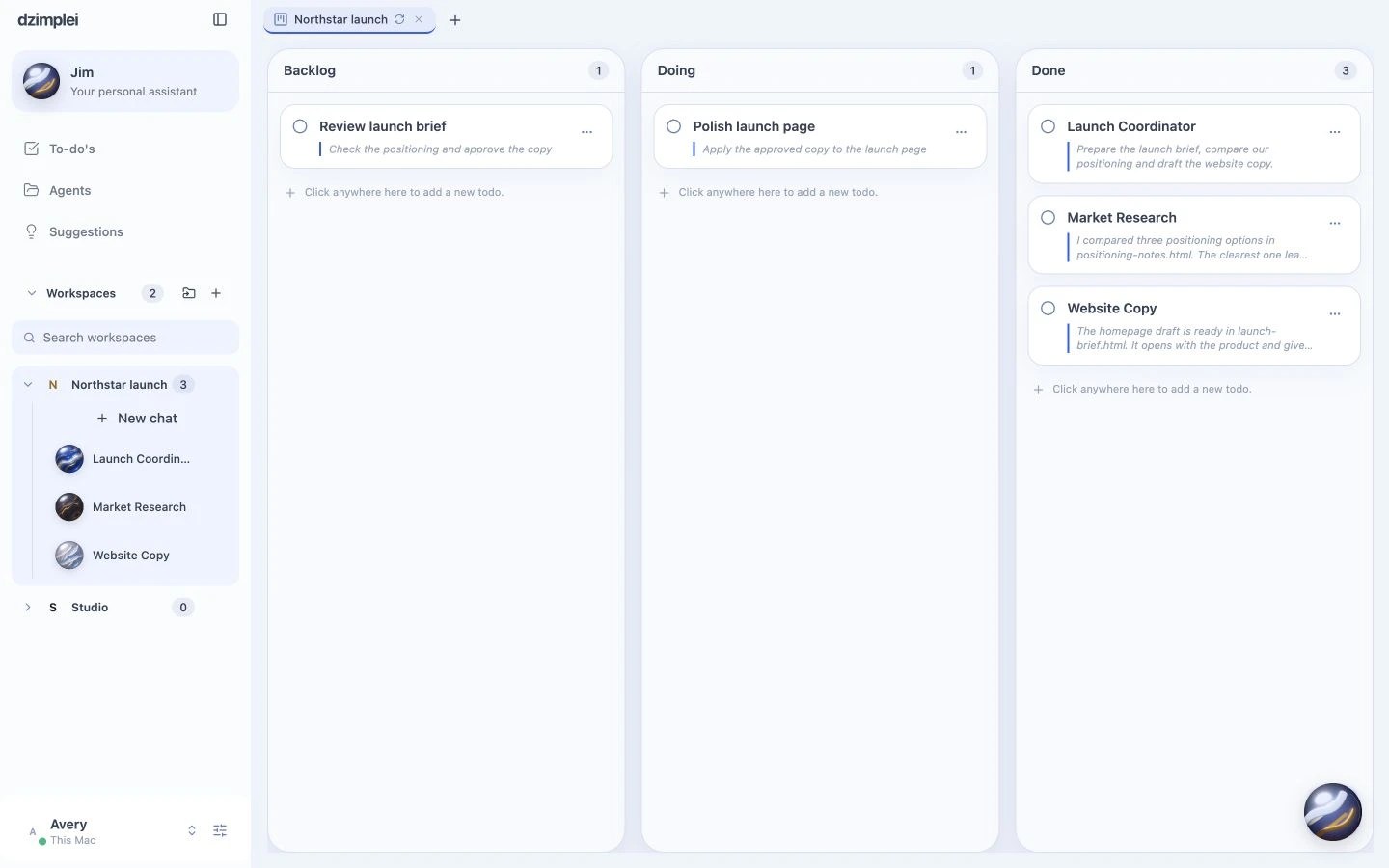
Keep the output with the project. Example data · actual dzimplei interface
A message can become work.
Describe the outcome in ordinary language. Jim can turn it into tasks and coordinate the agents needed to do it.
Short on the phone. Complete in the app.
Phone replies focus on the result and what needs you. Keep fuller reports and documents in the workspace.
A few useful details.
Can I send a voice note?
Yes. Jim can transcribe a voice note and use it as the request.
Does messaging Jim grant access to all my apps?
No. Work depends on connected accounts, configured tools and the permissions you have granted.