Give every project a place to grow.
Keep the conversation, agents, files and next steps together. Open a workspace and pick up the work where you left it.

Keep the request and the reply together. Example data · actual dzimplei interface
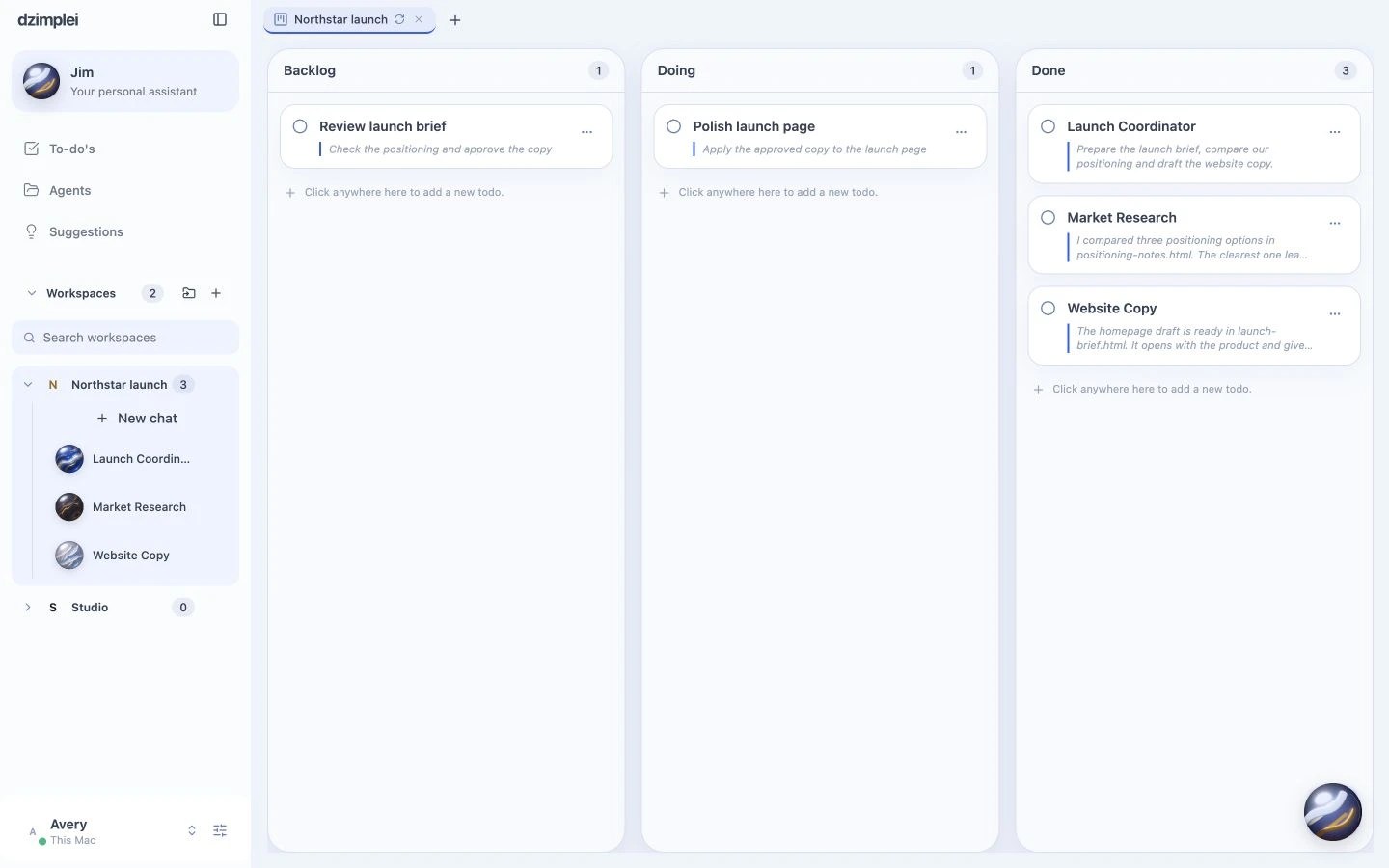
See the tasks behind the conversation. Example data · actual dzimplei interface

Open what the agents produced, beside the work. Example data · actual dzimplei interface
The context stays with the project.
Move from a conversation to its board, diagrams or files without assembling the story from different apps.
Share a copy. Or work together live.
Sharing hands over a copy. Collaborating keeps people in the same live workspace. Choose the relationship that matches the work.
A few useful details.
What belongs to a workspace?
Its conversations, task board, diagrams, files and history. The workspace is the project’s home, rather than a single chat.
Can another person read my workspace?
Only when you explicitly give them access. Sharing a copy and collaborating live are different actions.