Know what is open, running and done.
Follow the tasks behind the conversation. The board shows the work agents are doing and the results that are ready to inspect.
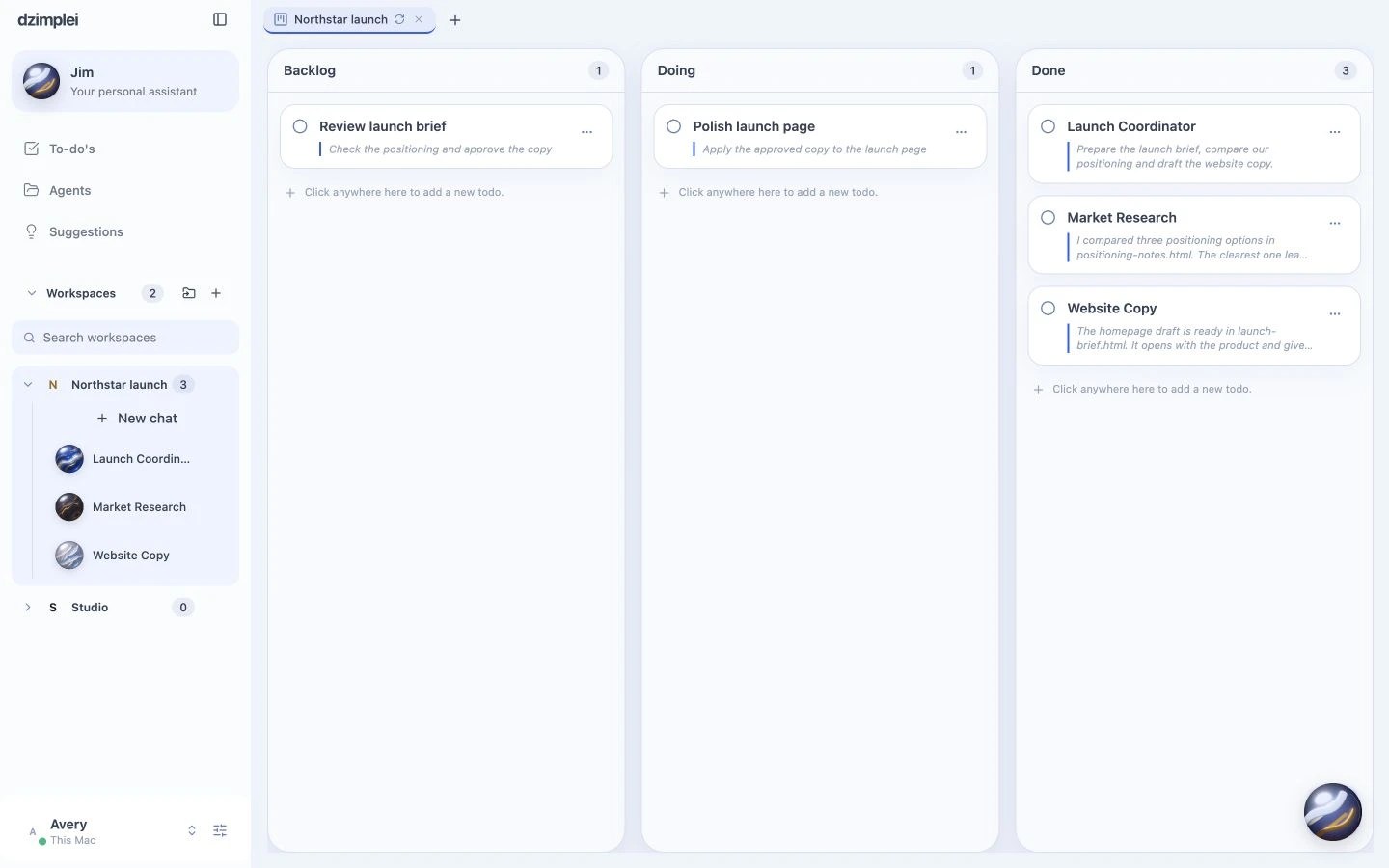
One board, with backlog, doing and done. Example data · actual dzimplei interface

Open the conversation behind a task. Example data · actual dzimplei interface

Review the result before the next step. Example data · actual dzimplei interface
The card is the work.
Tasks filed by you and work filed by Jim appear in the same workspace. Open a card to follow its conversation.
Follow the result all the way through.
A finished task belongs with its reply and output files. Keep those results in the project instead of rebuilding a status report by hand.
A few useful details.
Does Jim use a different task list?
No. Jim can file work into the same workspace you use in the app.
Can I inspect the work behind a card?
Yes. Open the task’s conversation to read the request, tools, replies and available results.